Table of Contents
- 1. What Is the MT5 App (MetaTrader 5)?
- 2. Why the MT 5 App Matters to Modern Traders
- 3. How MT 5 Differs from MT 4
- 4. Main Features of the MT 5 App
- Take control of your trading future
- 5. Using the MT5 App with Expert Advisors (EAs)
- 6. How to Get Started with the MT 5 App
- 7. Risk Management and Mobile Trading
- 8. Tips for Maximizing MT5 App Performance
- 9. The Future of Mobile Trading
- Conclusion
Introduction
In an era where traders demand access, speed, and flexibility, the MT5 app (MetaTrader 5) has emerged as one of the most advanced platforms available. Whether you are trading from your laptop, tablet, or smartphone, the MT5 app provides professional-grade tools for analysis, automation, and trade execution — all within a clean, modern interface.
For Auvoria Prime users who integrate Expert Advisors (EAs), the MT 5 app is more than just a mobile platform; it’s a bridge between intelligent automation and hands-on trading. This article breaks down everything you need to know — what the MT 5 app is, how it works, its main features, and how it complements automated strategies.

1. What Is the MT5 App (MetaTrader 5)?
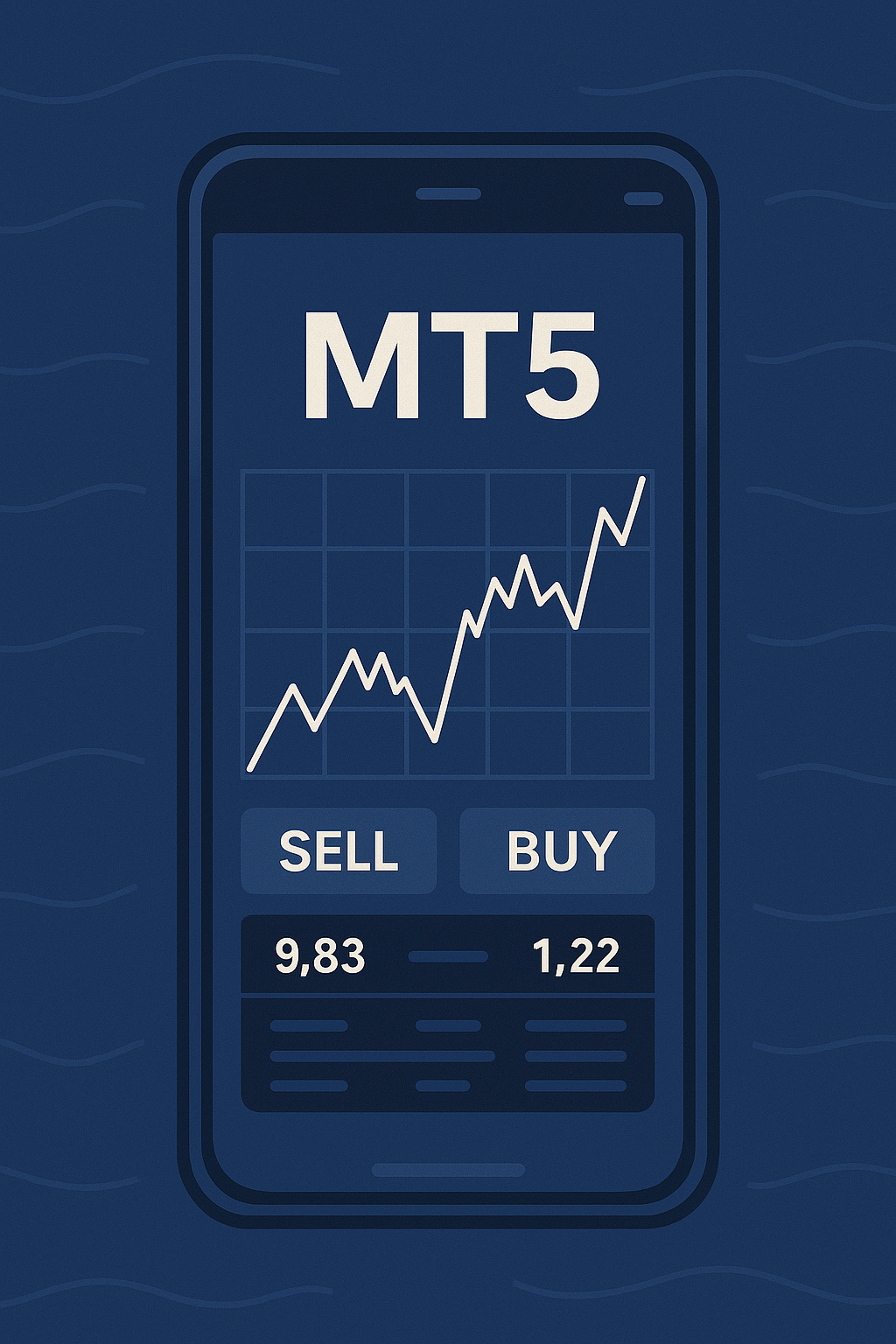
The MetaTrader 5 app is the mobile version of MetaQuotes’ flagship trading software, MetaTrader 5. It’s available on both iOS and Android devices, and connects seamlessly with your brokerage account or trading robot ecosystem. Unlike its predecessor MT4, which primarily focused on forex, MT5 was built as a multi-asset platform, offering access to currencies, stocks, indices, commodities, and even cryptocurrencies depending on your broker.
The MT5 app retains the speed, reliability, and depth of its desktop version — allowing traders to execute trades, analyze charts, and manage accounts on the go. It’s designed for traders who don’t just want mobility, but performance without compromise.
2. Why the MT 5 App Matters to Modern Traders
Mobile trading is not just a convenience anymore; it’s an essential part of professional trading. Markets move 24/7, and being able to analyze and respond instantly can make all the difference.
Here’s why the MT 5 app has become the standard for modern traders:
- Access to multiple markets: Trade forex, stocks, and commodities from one app.
- Real-time synchronization: Every order, chart, and indicator syncs with your desktop account automatically.
- Advanced charting: Over 30 built-in indicators and 24 analytical objects are available in the mobile app.
- Expert Advisor compatibility: Monitor automated strategies even while away from your computer.
- Speed and security: The app executes trades instantly and uses encrypted data transmission for safe trading sessions.
For traders using Auvoria Prime’s ecosystem, these features translate into one word — control. You can check your automated EA performance, review charts, and manage your portfolio, all from your pocket.
3. How MT 5 Differs from MT 4
While MetaTrader 4 remains popular, MT 5 introduces several key upgrades that make it the more future-proof choice:
- More order types: MT5 supports six types of pending orders versus four on MT4.
- Faster backtesting: MT5 uses a multi-threaded strategy tester that speeds up algorithm optimization.
- Deeper market coverage: MT5 connects to centralized exchanges, not just forex brokers.
- Integrated economic calendar: The app includes built-in macroeconomic updates.
- Multi-asset trading: You can diversify beyond forex, trading stocks and futures directly.
In short, MT 5 is not just an upgrade — it’s a complete trading ecosystem capable of supporting both discretionary traders and those running automated systems like Auvoria Prime’s EAs.
4. Main Features of the MT 5 App
The MT5 app provides nearly all the functionality of the desktop platform, including:
- Interactive charts: Analyze price movements using line, bar, or candlestick charts.
- Multiple timeframes: 21 available timeframes, from one minute to one month.
- Technical indicators: More than 30 built-in indicators for technical analysis.
- Trading history tracking: Review performance, profit/loss, and margin usage.
- Push notifications: Stay informed on price alerts or order executions.
- Depth of market: View liquidity levels where supported by your broker.
- Risk management tools: Set Stop Loss and Take Profit directly from the app.
This level of functionality makes it possible to execute and manage trades confidently even while traveling or away from your primary workstation.
Take control of your trading future
Supercharge your trading with our expert advisors. Start your journey today!
5. Using the MT5 App with Expert Advisors (EAs)
While the mobile app doesn’t run automated EAs directly, it allows full monitoring and control over EAs operating on your desktop or VPS.
Here’s how they work together:
- You set up your Expert Advisor (EA) — such as Auvoria Prime’s Kraitos, Gearbox, or KraitosX — on your desktop or VPS.
- The MT 5 app connects to your account and mirrors all trades and activity in real time.
- You can close, modify, or monitor trades instantly from your smartphone.
- You stay informed on drawdowns, profit, and market exposure without logging into your desktop.
This synergy between automated intelligence and mobile control is what makes MT5 ideal for modern algorithmic traders.
6. How to Get Started with the MT 5 App
Getting started takes just a few minutes:
- Download the MT5 app from your device’s app store.
- Select your broker or server from the list provided.
- Log in using your account credentials or create a demo account.
- Customize your workspace: Add instruments, set chart colors, and apply indicators.
- Start trading: Open new positions, modify orders, and set your risk levels.
For Auvoria Prime users, this process is even smoother since your accounts are already integrated with MT 5 infrastructure. You can view and manage trades placed by your Expert Advisors from anywhere.
7. Risk Management and Mobile Trading
Convenience comes with responsibility. The MT 5 app gives traders immense control, but also demands discipline. Some best practices include:
- Never over-leverage just because it’s easy to open trades on mobile.
- Always use Stop Loss and Take Profit orders.
- Monitor your account’s margin level regularly.
- Avoid trading emotionally when away from your main setup.
- Treat the app as a professional tool, not a casual hobby.
Auvoria Prime encourages traders to use automation wisely and complement it with informed decision-making, not impulse trading.
8. Tips for Maximizing MT5 App Performance
- Use a stable internet connection to prevent order delays.
- Update the app regularly for security patches.
- Create templates for your preferred indicators and layouts.
- Enable biometric login for extra security.
- Use push alerts to stay notified without constantly checking the charts.
- Regularly review your EA’s trade history from the app.
These small habits ensure your mobile trading experience stays reliable, efficient, and professional.

9. The Future of Mobile Trading
With AI-driven systems like Auvoria Prime’s EAs integrated into MT5, the line between manual and automated trading is blurring. Traders now have access to market intelligence tools that once required full desktop setups.
The MT5 app represents the evolution of trading — intelligent, responsive, and portable. As markets continue to accelerate, the ability to manage trades from anywhere will remain a decisive advantage.
Conclusion
The MT5 app (MetaTrader 5) is far more than a mobile trading application. It’s a full-scale professional trading platform designed for speed, precision, and adaptability. Whether you are manually executing trades or monitoring advanced Expert Advisors, the MT5 app gives you everything you need to trade confidently, wherever you are.
For Auvoria Prime users, it acts as the perfect companion to our intelligent trading systems — providing seamless control, transparency, and oversight in one place. The world of trading is changing fast. With the MT5 app, you can keep up with it — and stay one step ahead.
Disclaimer (Auvoria Prime):
Trading foreign exchange or other leveraged instruments carries a high level of risk and may not be suitable for all investors. The content above is for educational purposes only and does not constitute investment advice. Auvoria Prime does not provide financial services or investment recommendations. Always consult a qualified professional before trading.