Table of Contents
- What Is a Trader Workstation?
- Why Your Trading Workstation Matters
- The Hardware Part of a Trader Workstation
- The Software Part of a Trader Workstation
- Structuring Your Daily Trading Routine
- How to Organize Your Charts for Maximum Clarity
- Building a Trader Workstation for Automated Trading
- Get Kraitos Elite Now!
- Building the Perfect Mindset at Your Workstation
- Common Mistakes When Setting Up a Trader Workstation
- Final Thoughts (trader Workstation)
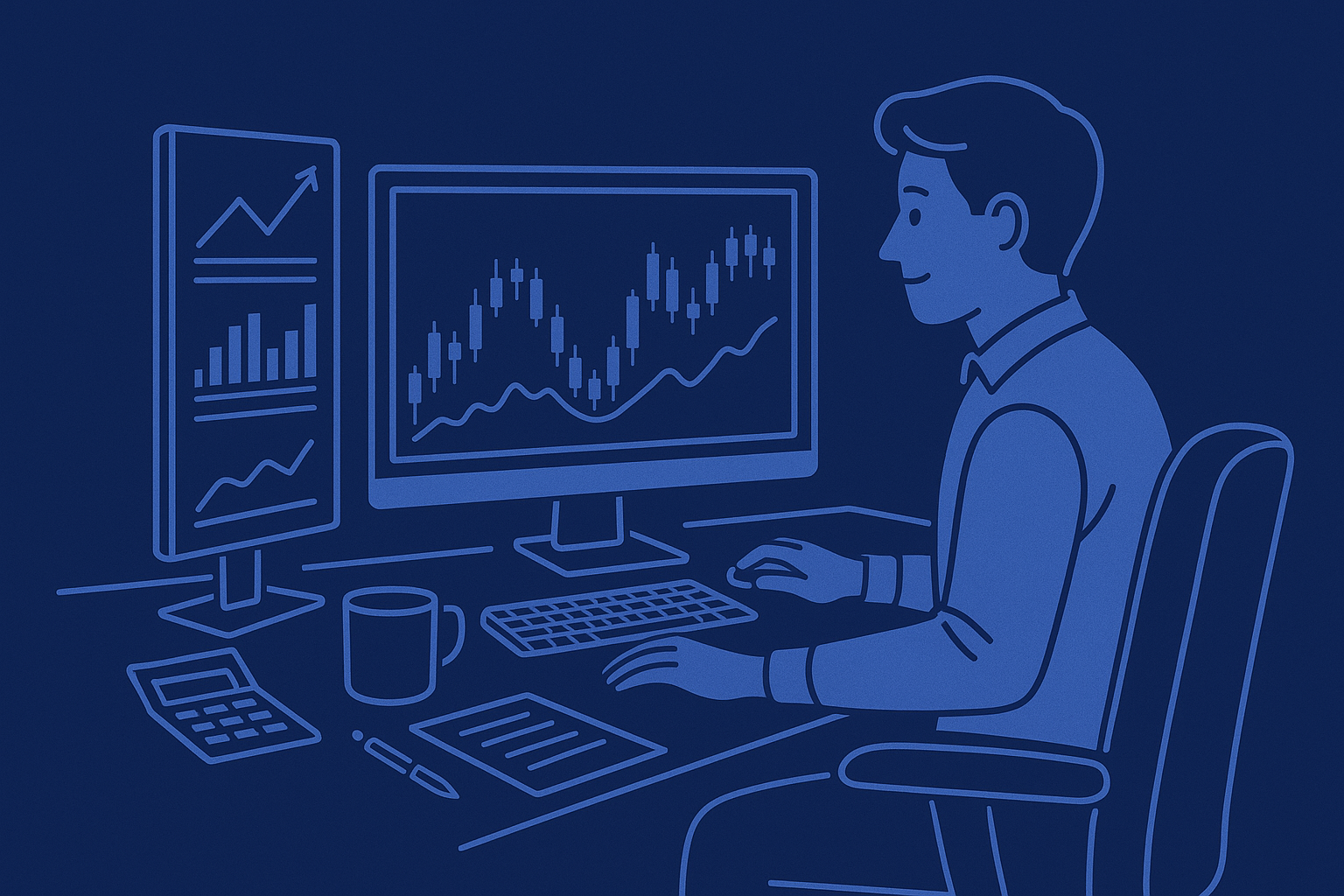
When people hear the phrase trader workstation, most think of a room full of monitors, flashing charts, and professionals glued to their seats as markets move by the second. In reality, a trader workstation is simply the environment you build to make smart trading decisions. It includes your hardware, your trading platforms, your charting tools, your risk management setup, and the workflow you follow every day.
At Auvoria Prime, many users want to understand how to build a trading workstation that supports both manual trading and automated trading solutions. The right setup helps you stay organized, reduce mistakes, and keep emotions in check. Even if you are using expert advisors or automation tools, your workstation still matters because it shapes how you interact with your portfolio.
This guide walks you through everything you need to know about building an effective trader workstation. You will understand what equipment to choose, how to organize your trading platforms, how to structure your daily routine, and how to combine all this with modern automated solutions. The goal is to help you create a trading environment that is efficient, simple, and reliable.
Let’s break it all down step by step.

What Is a Trader Workstation?
A trader workstation is the full trading ecosystem you use each day. It is not just a desk with monitors. It includes your tools, your software, your platforms, your data feeds, your notes, and your risk management process. A workstation is meant to support focus and eliminate distractions.
A good workstation does three main things:
- It gives you fast, reliable access to the markets.
- It helps you analyze price behavior with clarity.
- It lets you make consistent decisions without stress.
Your workstation is where you place trades, track performance, study charts, read market updates, manage risk, and check automation settings. A solid setup helps you stay calm even when markets move quickly.
Why Your Trading Workstation Matters
Traders often underestimate how much their environment affects their results. A well-built trader workstation improves:
Accuracy.
When everything is well organized, you reduce the chances of clicking the wrong button or entering the wrong lot size.
Speed.
If your charts load quickly and your computer responds instantly, you can analyze faster and avoid hesitation.
Decision-making.
Clarity helps you avoid emotional errors, especially when markets are volatile.
Consistency.
A routine becomes easier when everything you need is already prepared each day.
Whether you are a manual trader or using automated solutions, your workstation supports your mindset and your workflow.
The Hardware Part of a Trader Workstation
You do not need five monitors or an expensive computer. What you need is stability. Here is what matters most.
Computer or Laptop
A modern laptop or desktop is more than enough. Choose something that loads charts quickly and runs without lag. Trading platforms do not require extreme computing power, but they run better with enough RAM. A safe minimum is 16GB, though 32GB is ideal.
Monitors
More monitors do not make you a better trader, but they do help you see multiple charts and dashboards without switching tabs. Many traders use:
- A single ultrawide monitor
- Two monitors side by side
- A laptop plus one external monitor
Keep the layout clean and simple.
Internet Connection
Your internet connection is one of the most important pieces of your workstation. Choose:
- A high-speed connection
- A reliable router
- A backup such as phone tethering
If your connection drops during market hours, trading mistakes happen. Even if you use automation, you still want stable access.
Desk and Chair
Your physical environment affects your mental focus. A comfortable chair, a clean desk, and a quiet room help you stay organized and alert.
Power Stability
Power outages happen. Traders protect themselves with:
- A UPS backup battery
- Surge protection
This prevents sudden shutdowns that interrupt trades or affect automated systems.
The Software Part of a Trader Workstation
Hardware is only half of the workstation. The real power comes from your software setup.
Trading Platform
Most traders use MetaTrader 4 or MetaTrader 5. These platforms let you analyze charts, place trades, run automated systems, and view your account history. They are lightweight, fast, and widely supported.
Charting Tools
You may use the built-in charts on MT4 or MT5 or a separate charting platform for deeper analysis. Traders often use:
- TradingView
- cTrader
- Broker proprietary platforms
The goal is to view price clearly and avoid visual clutter.
Automation Tools
At Auvoria Prime, many traders rely on automated systems like expert advisors. A solid workstation supports automation in several ways:
- Stable internet
- Stable computer or VPS
- Regular monitoring
- Clear logs
- Solid risk settings
Even with automation, you want a clean and organized platform layout so you can check performance at a glance.
News and Market Data
Economic calendars and news feeds help traders avoid trading during unpredictable events. Popular tools include:
- Economic calendars
- Forex factory-style calendars
- Market sentiment trackers
These tools help you understand when volatility may increase.
Journaling Tools
Every successful trader keeps records. You can track your performance manually or digitally. Journaling helps you improve your strategy and remove bad habits.
Structuring Your Daily Trading Routine
A trader workstation is not complete without a reliable routine. Consistency matters more than anything. Here is a simple structure many traders follow.
Opening Routine
Start your day with clarity. Review:
- Current market conditions
- Major news for the day
- Any open positions
- Your risk settings
- Your automation dashboard
This keeps you informed and grounded.
Analysis Routine
Look at your charts with no pressure to trade. Identify:
- Trend direction
- Support and resistance
- Key levels from yesterday
- High-impact news
- Market structure changes
This step is not about predicting the market. It is about preparing.
Execution Routine
If you are a manual trader:
- Enter trades only when your rules are met
- Use a fixed risk per trade
- Avoid chasing setups
If you rely on automation:
- Ensure settings are correct
- Make sure nothing changed overnight
- Verify that your lot size and risk parameters match your account size
Automation is there to support discipline, not replace responsibility.
Closing Routine
At the end of your session:
- Review your open trades
- Log the results
- Note emotional reactions
- Plan for the next day
A workstation becomes even more powerful when you combine it with a systematic routine.
How to Organize Your Charts for Maximum Clarity
Many traders overcomplicate their screens. More indicators do not lead to better decisions. The best traders use clean, simple charts.
Here are some ways to organize them:
- One chart per monitor or per tab
- Keep all charts on the same color scheme
- Use clean candles
- Use only indicators that serve your strategy
- Separate long-term analysis from intraday charts
Less clutter means better decisions.
Building a Trader Workstation for Automated Trading
Many users at Auvoria Prime combine manual trading with automated systems. A strong workstation helps you monitor automation safely.
Here is what matters:
Stability
Automation requires:
- A stable internet connection
- A computer that runs 24/7 or a VPS
- Proper memory allocation
Losing connection can interrupt the automated system.
Monitoring
Automation does not mean you ignore the charts. You should still monitor:
- Drawdown
- Risk level
- System logs
- Daily performance
- Broker execution quality
A workstation that keeps everything visible reduces surprises.
Risk Management
Automated tools require even stronger risk management than manual traders use. At Auvoria Prime, we always emphasize:
- Conservative lot sizes
- Proper account sizing
- Avoiding emotional intervention
- Understanding market conditions
Your workstation helps you stay disciplined and avoid sudden changes based on emotion.
Get Kraitos Elite Now!
Supercharge your trading with our expert advisors. Start your journey today!
Building the Perfect Mindset at Your Workstation
A trader workstation is not just physical. It is also mental. Your environment influences how you think about the markets. The best workstations help you:
- Stay calm
- Avoid emotional trading
- Make decisions based on rules
- Review your process without judgment
Set up your room in a way that promotes focus. Keep the workspace clean. Reduce distractions. Create a trading ritual that helps your brain switch into analytical mode.
When your environment is well organized, your mind follows the same pattern.
Common Mistakes When Setting Up a Trader Workstation
Many traders make the same errors again and again. Avoid these from the start
.
Using Too Many Screens
More screens often create more confusion. Start simple and grow only when needed.
Relying Too Much on Indicators
Indicators are tools, not signals. Use them to support your analysis, not replace it.
Ignoring Internet Stability
A slow or unstable connection can ruin trades. Always prioritize stability.
Overcomplicating the Layout
Clutter creates stress. Keep charts clean and remove anything unnecessary.
Neglecting Risk Management
The workstation should support safe decisions. If your tools tempt you to overtrade, remove them.

Final Thoughts (trader Workstation)
A trader workstation is one of the most powerful parts of your trading life. It shapes how you think, how you analyze, and how you make decisions. You do not need expensive equipment or complex tools. What you need is clarity, order, and stability.
At Auvoria Prime, we believe in combining strong environments with strong systems. When your workstation supports your strategy and your mindset, you create the best possible conditions for consistent performance.
Take the time to build your workstation with intention. It pays off every single day you trade.
Disclaimer
Trading foreign exchange, indices, commodities, cryptocurrencies, or using any automated or manual trading system carries risk. Past performance does not guarantee future results. Nothing in this article is financial advice. Always use proper risk management and consult with a licensed financial professional before making trading decisions.